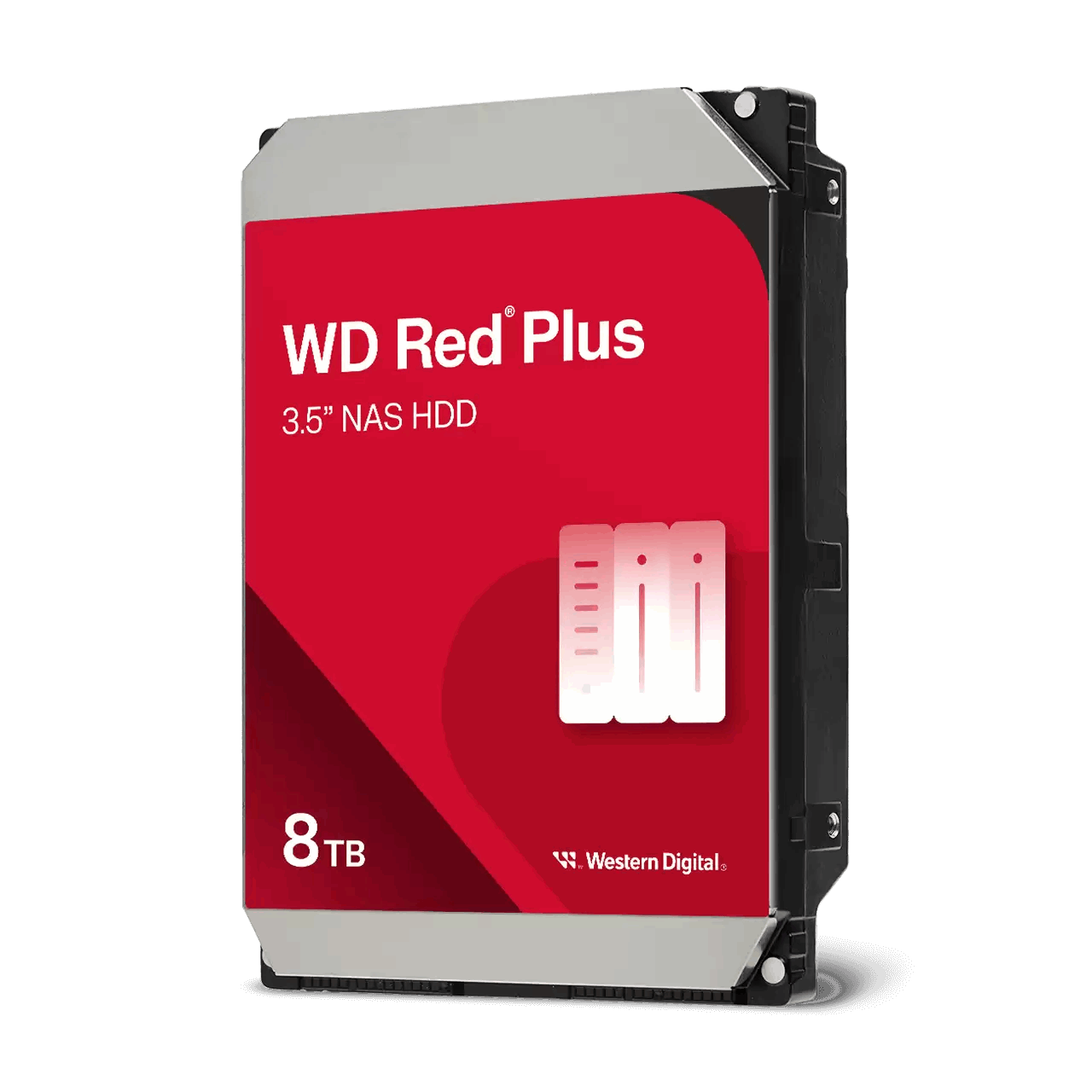
Hosting a secondary NAS at a relative's house gives you an offsite copy that protects against fire, theft, and local incidents.
Benefits and responsibilities
Agree on expectations and support before you start.
You gain offsite protection and faster restores than some cloud options
Your host provides power, space, and internet access
You handle support, maintenance, and any issues quickly
Connectivity and network planning
Keep the link private and predictable.
Use a VPN between sites or port forward only required services with strict rules
Set up dynamic DNS if the remote site has a changing IP
Avoid overlapping subnets and document addressing
Power and environment
A small UPS and a cool spot improve reliability.
Install a UPS sized for the NAS and router
Place the NAS in a ventilated area away from direct heat
Label cables and keep a small spare parts kit
Backup and replication design
Choose the right tool for each data type.
Snapshot Replication for fast rollbacks between compatible models
Hyper Backup for versioned, encrypted offsite copies
Seed the first copy and schedule jobs for off hours
Security and privacy
Treat the remote site as untrusted and protect data accordingly.
Use encryption for backups and store keys securely
Create unique admin accounts and enable two factor
Restrict access to required services and log all events
Setup steps
Make the first visit count with a clear checklist.
Update DSM and packages on both NAS units
Create and test VPN or access rules
Create replication or backup tasks and run a sample restore
Enable alert emails to both owner and a secondary contact
Operations and runbook
Keep tasks light for your host and yourself.
Monthly: check jobs, capacity, and UPS status
Quarterly: test restores and review logs
Annually: replace UPS batteries as needed and dust filters
Cost and courtesy
Be a good guest at the remote site.
Offer to contribute to power and internet costs
Keep the device quiet and tidy
Provide a contact number for any issues
FAQs
Helpful clarifications before you deploy.
Do I need static IPs - dynamic DNS with VPN is usually fine
Can the host access my data - not without credentials; encrypt backups where appropriate
What if the internet is slow - schedule jobs overnight and seed the first copy
Need technical support or more detailed guidance? Please contact Synology via our Synology Support – Australia page. It includes ticket, Live Chat, warranty and downloads links.
Offsite NAS at a Relative's House in Australia: Design and checklist
Posted By Ethan Ro
on
We’re Here for You
Whether it’s setup, troubleshooting, or custom solutions or simply tracking your order — we’ve got you covered.