









































Synology DS925+ in Australia: Buyer Guide 2025
Everything you need to plan, spec, and deploy a Synology DS925+ in Australia with confidence.
See Synology NAS range
Explore models suited to home, creators, and small business in Australia.
Browse SynologyOverview
The DS925+ is a compact multi-bay NAS that targets home studios and small offices. This guide focuses on practical selection and deployment steps for Australian buyers.
Instead of raw benchmark chasing, the aim is stable throughput, quiet operation, and data safety for mixed workloads like media serving, light virtualization, and team file sync.
Who should buy the DS925+
Choose this class of NAS if you want reliable network storage with expandable capacity and simple management.
It suits media libraries, photo catalogues, Time Machine backups, and small teams using shared folders and private cloud sync.
- Creators who need a central library for RAW photos and 4K proxy files
- Households that want Plex-style streaming without a noisy tower PC
- Small offices that need permissioned shares and versioned backups
- Buyers stepping up from a 2-bay unit who want more bays for RAID and growth
Spec planning checklist
Use this checklist before you buy. It prevents common sizing mistakes and reduces upgrade churn later.
- Capacity target for year one and year three
- Drive type selection plan including NAS HDDs and optional SSDs
- Snapshot and backup destinations for the 3-2-1 rule
- Network uplink plan including switch ports and cabling
- UPS sizing and surge protection
- User accounts and folder structure
Drives and storage layout
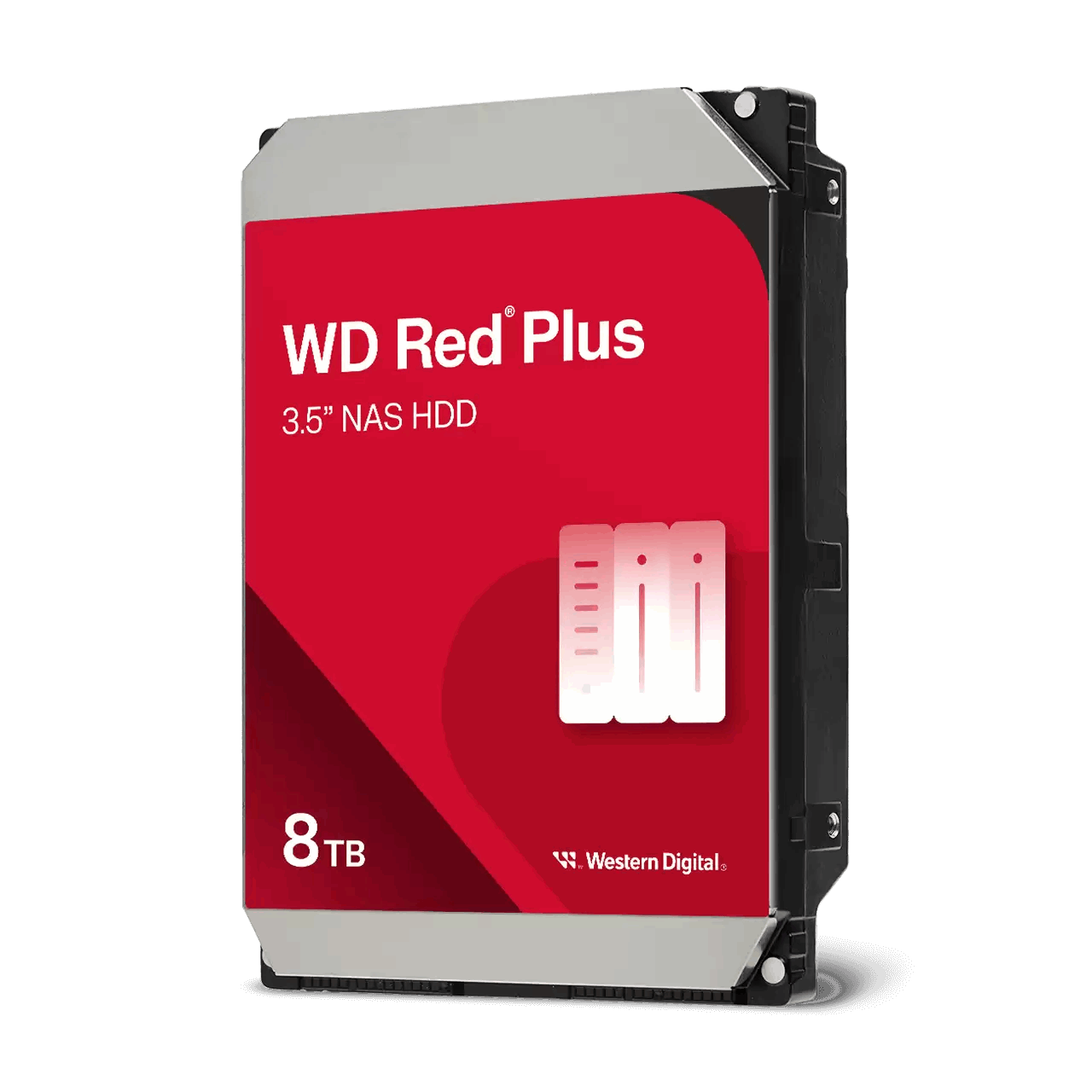
Start with NAS-rated HDDs in a redundant layout and add SSDs only when they solve a specific bottleneck.
Two common approaches work well in this class of NAS.
- All-HDD array for bulk capacity. Simple, predictable, cost efficient.
- HDD array plus SSD cache or SSD volume for hot data like thumbnails and active project files.
Networking and performance
Plan your uplink around your editing and backup windows. Most homes and small studios use 1 GbE switches, while performance-focused users adopt 2.5 GbE or 10 GbE for faster transfers.
Keep cables short and switches ventilated. Enable jumbo frames only when every device on the path supports it.
Key apps and use cases
Focus on a small set of applications that deliver value without complexity creep.
- Synology Drive for private cloud sync and versioning
- Active Backup for Business for workstations and server backups
- Synology Photos for family or studio media management
- Surveillance Station for a small camera fleet with retention policies
Setup tips
Update DSM and key packages before migrating data. Create a separate admin account and disable the default one.
Set up scheduled S.M.A.R.T. tests and email alerts. Verify snapshots and offsite copies with test restores.
FAQs
Answers to common planning questions for this model class.
- Can I mix drive sizes? Yes, but plan your array layout first to avoid wasted capacity
- Is 2.5 GbE worth it? Useful when your switch and main PC support it
- Do I need SSD cache? Only if you have many small random reads or active catalogs
- How loud is it? Check drive acoustics and keep the NAS on a solid surface
Need technical support or more detailed guidance? Please contact Synology via our Synology Support – Australia page. It includes ticket, Live Chat, warranty and downloads links.



