The best Plex experience starts with direct play where the client can handle the file without conversion. Transcoding is still useful for some situations but it raises CPU demands.
Direct play versus transcoding
Aim for media formats that your primary players can handle directly. Use transcoding only when you need bitrate reduction or codec changes for mobile or remote users.
Prefer direct play on main TV players to keep CPU load low
Use optimised versions for mobile and travel devices
Avoid real time 4K transcoding unless you have confirmed support
Network planning
A clean wired path to the main player is the single biggest improvement for Plex stability.
Use wired Ethernet to the primary TV player and NAS
Adopt 2.5 GbE when your switch and desktop support it
Keep WiFi for tablets and phones and avoid heavy use during large transfers
Storage and library layout
Organise libraries for fast scanning and predictable paths.
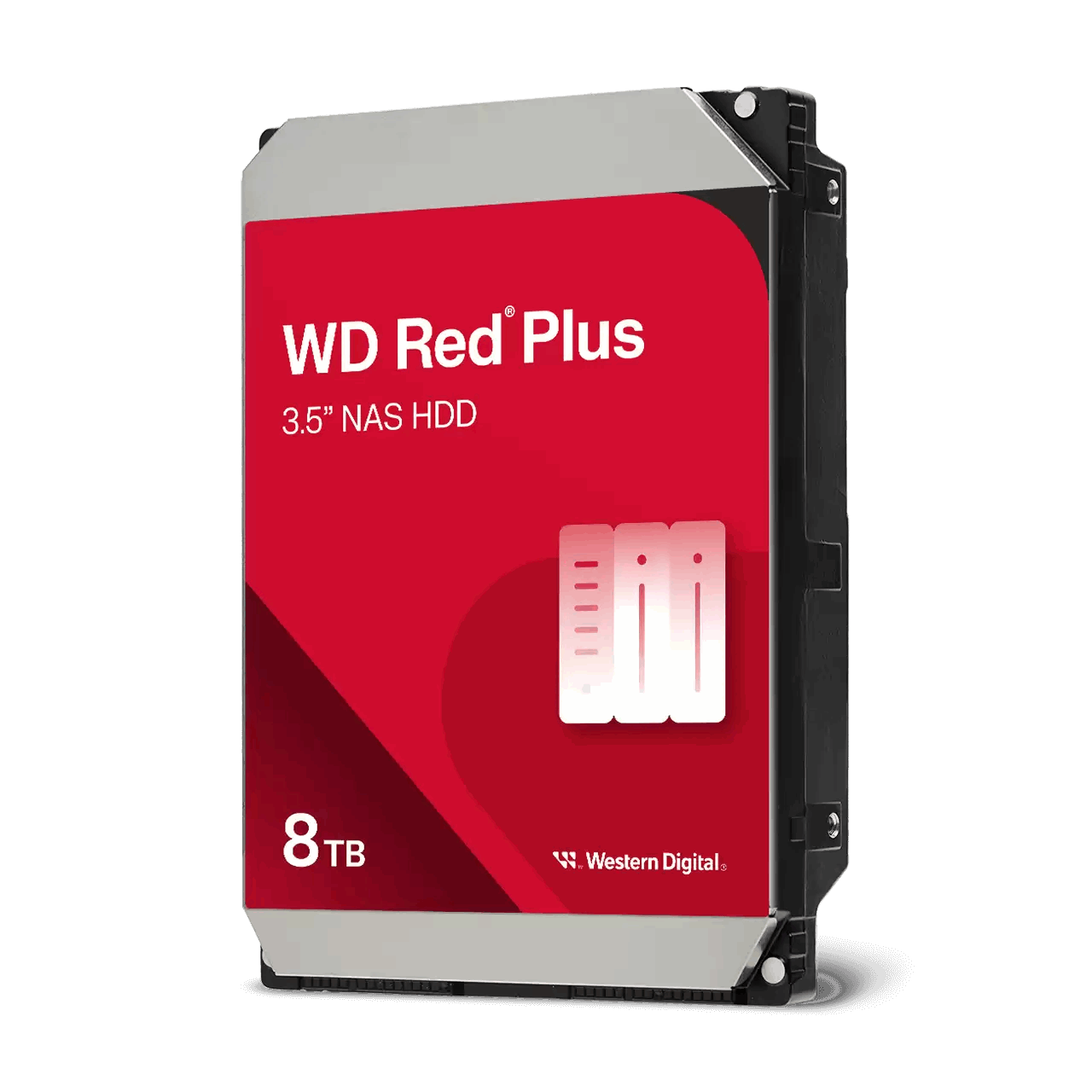
Use NAS rated HDDs for bulk media and keep metadata on SSD where possible
Name files and folders consistently to reduce scan errors
Schedule library updates for off hours
App setup basics
Install the Plex server package and confirm access from your clients. Keep the server updated and enable hardware acceleration when supported.
Create libraries by type and set correct language and agent settings
Enable remote access once local playback is stable
Back up the Plex database before major changes
Remote streaming considerations
Remote users benefit from optimised versions and bandwidth aware settings.
Use lower bitrate versions for travel devices
Enable secure remote access and test from a mobile network
Set a reasonable global remote bandwidth limit to avoid congestion
FAQs
Fast answers to common Plex planning questions.
Do I need 10 GbE for Plex? No for most homes, 1 GbE or 2.5 GbE with direct play is usually sufficient
Can the NAS handle multiple streams? Yes when most clients use direct play and your disks are healthy
Is WiFi good enough? Fine for tablets and phones, wire your main TV player for best results
Need technical support or more detailed guidance? Please contact Synology via our Synology Support – Australia page. It includes ticket, Live Chat, warranty and downloads links.
Synology NAS for Plex in Australia: Planning and setup guide 2025
Posted By Ethan Ro
on
We’re Here for You
Whether it’s setup, troubleshooting, or custom solutions or simply tracking your order — we’ve got you covered.