

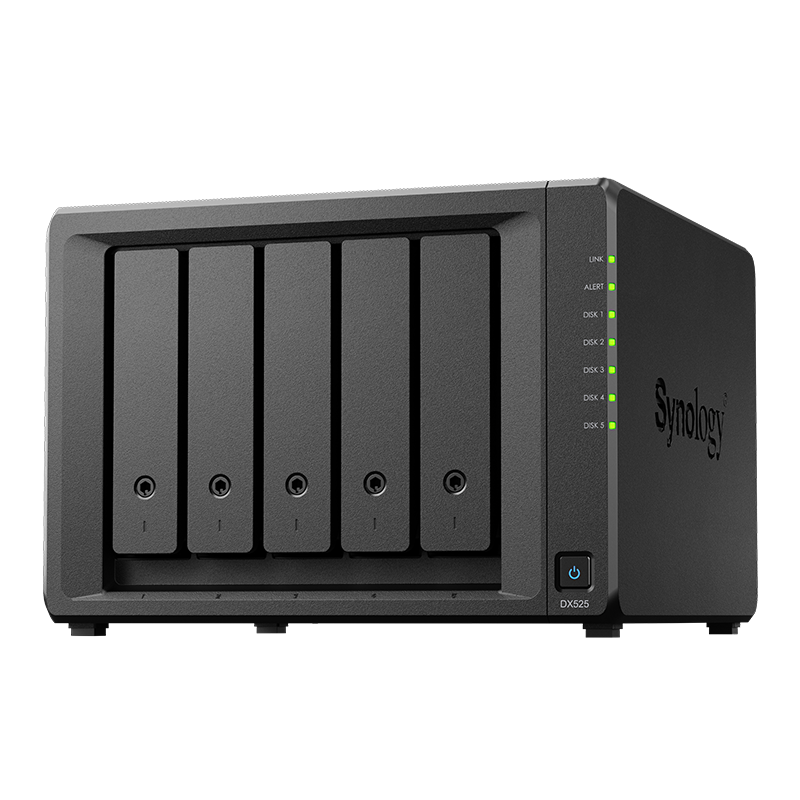

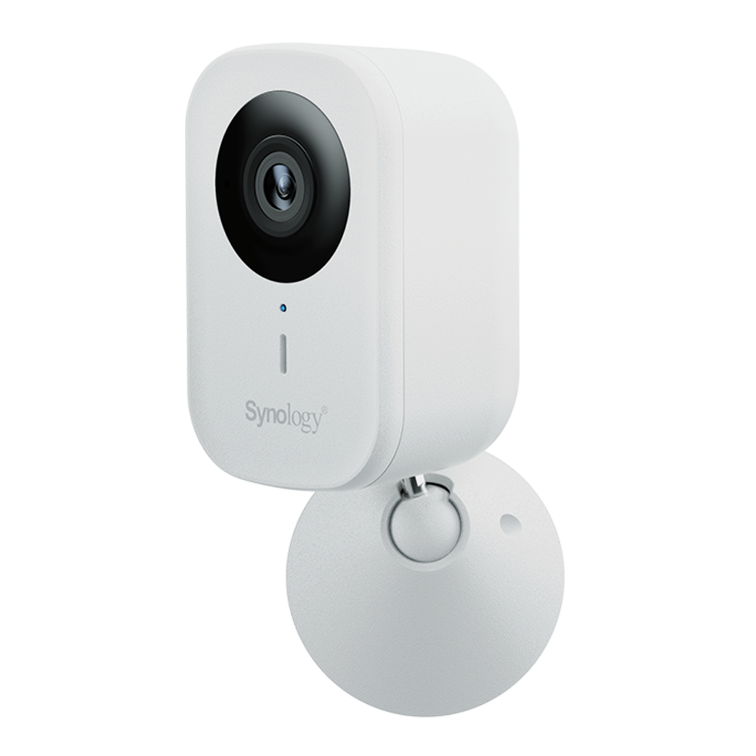




































BeeStation vs Synology DiskStation: Which one suits you in Australia
Use this side by side view to decide whether BeeStation or a full DiskStation fits your needs.
See Synology NAS range
Explore models suited to home, creators, and small business in Australia.
Browse SynologyQuick summary
BeeStation is about simplicity and low effort. DiskStation is about flexibility and growth. Choose based on how much control and expansion you expect to need.
Who each option suits
Match the device to the user and environment first, then consider specs.
- BeeStation suits households that want private cloud with minimal setup
- DiskStation suits creators and small teams that want multi-user control and more apps
Features and flexibility
DiskStation runs DSM with broader permissions, snapshots, and third party packages. BeeStation focuses on quick access to files and photos.
Storage and expansion
Capacity planning changes the calculus. DiskStation allows more bays and expansion units while BeeStation is more fixed.
Apps and ecosystem
DiskStation offers a larger app catalogue and vendor support for business workflows. BeeStation covers common home use without the overhead.
Costs over time
Consider not only purchase price but also drives, backup, and potential network upgrades when you choose.
Decision checklist
Answer these questions and the fit usually becomes clear.
- How many users and devices will connect at once
- Do you need snapshots, replication, or advanced permissions
- Will your data grow quickly in the next two to three years
- Do you plan to run additional apps beyond storage and photos
FAQs
Helpful clarifications for buyers on the fence.
- Is BeeStation upgradable later - not in the same ways as DiskStation
- Can DiskStation be simple enough for beginners - yes with a basic profile and limited apps
- Which is more secure - both are secure when updated and configured correctly
Need technical support or more detailed guidance? Please contact Synology via our Synology Support – Australia page. It includes ticket, Live Chat, warranty and downloads links.



