





































Synology BeeStation in Australia: What you need to know
Overview
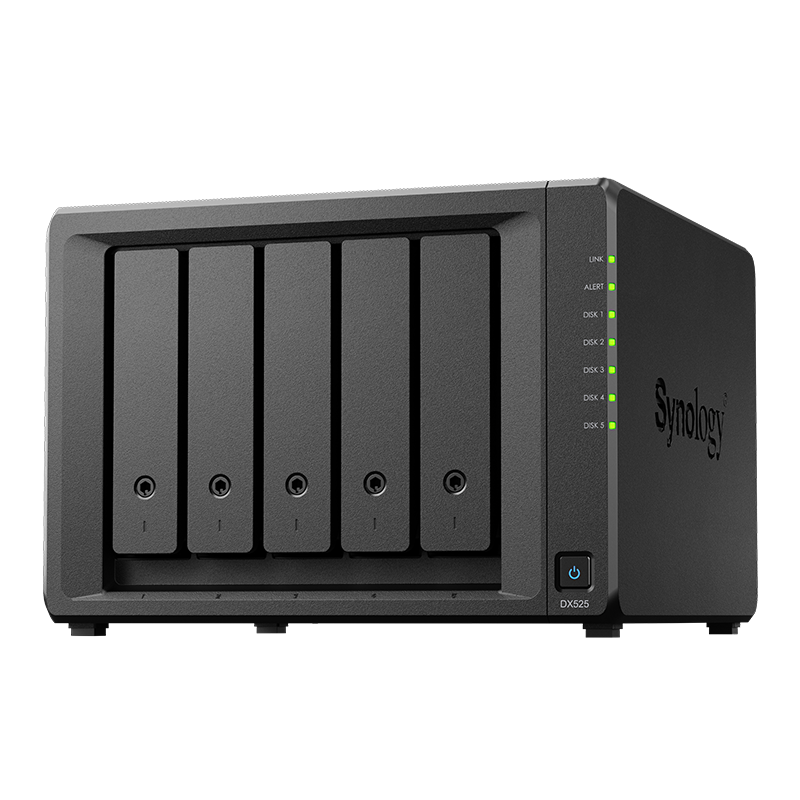
BeeStation targets simple personal cloud storage without the broader features of a full NAS.
It is designed for users who want quick setup and private access to photos and files from phones and laptops.
Table of Contents
See Synology NAS range
Explore models suited to home, creators, and small business in Australia.
Browse SynologyWho should buy BeeStation
Pick BeeStation if you value simplicity and do not need advanced multi-user or virtualization features.
- Families that want private photo and file access
- Students and solo users who prefer a simple appliance
- Buyers who do not plan to run many additional apps
What it does well
Focus on the core experience that most home users want.
- Fast onboarding with mobile apps and guided setup
- Easy remote access without complex port forwarding
- Low maintenance with automatic updates
Limitations to consider
BeeStation trades flexibility for simplicity, which is fine when you know the constraints.
- Fewer expansion and upgrade options than DiskStation
- Limited app catalogue compared to DSM on DiskStation
- Less control over advanced storage layouts
Setup and migration basics
Use a short checklist to move data and avoid duplication.
- Consolidate files to a staging drive before you import
- Keep original folder names for easy mapping on clients
- Confirm mobile app sign-in on all devices after the move
BeeStation Plus vs DiskStation
When you need multi-user permissions, snapshots, and broader apps, a DiskStation is the right move. When you want simple private cloud access with minimal management, BeeStation is attractive.
Need technical support or more detailed guidance? Please contact Synology via our Synology Support – Australia page. It includes ticket, Live Chat, warranty and downloads links.



