

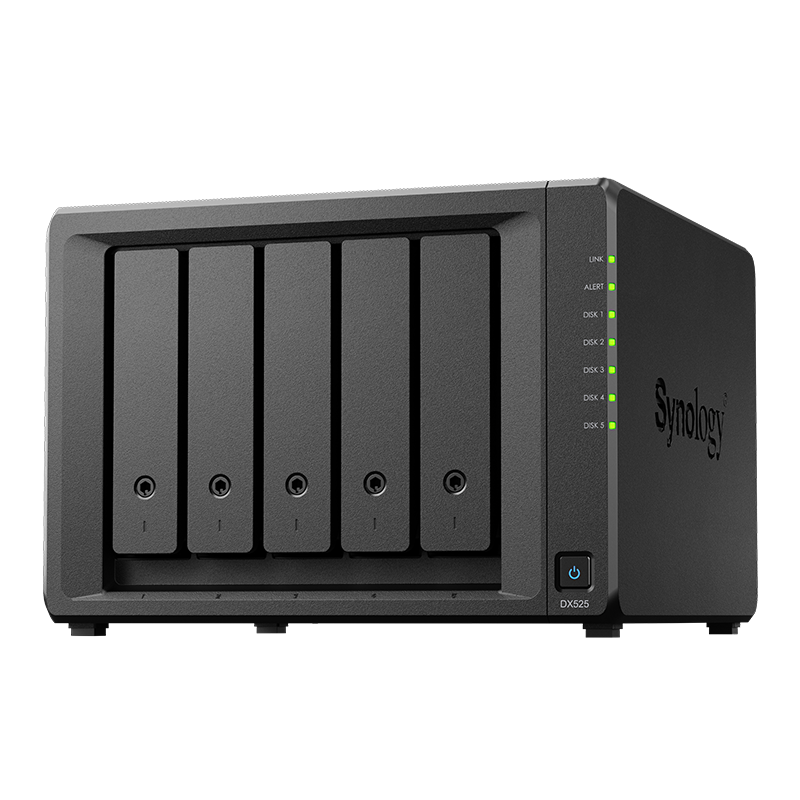

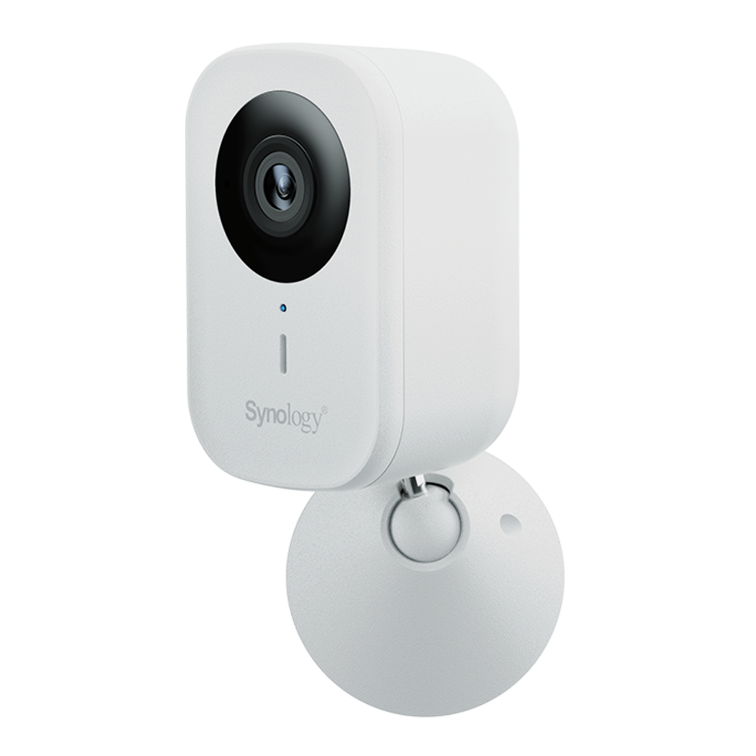



































Synology C2 Surveillance: Cloud archiving and monitoring in Australia
Add cloud archiving for important cameras and enable remote monitoring without complex VPNs.
See Synology Surveillance gear
Shop supported NAS and drives for camera workloads in Australia.
Browse surveillanceTalk to a surveillance specialist
Sizing, camera compatibility, and retention planning for your site.
Contact usOverview
C2 Surveillance integrates with Surveillance Station to provide cloud archiving and remote access for selected cameras.
It helps preserve footage if the site is compromised or equipment is stolen.
How it works
The NAS records locally and forwards streams or clips to Synology's C2 cloud based on your policy.
- Choose continuous or event based uploads for priority cameras
- Review footage from the C2 portal without opening your LAN to the internet
- Control storage class and retention per camera group
When to use it
Use cloud archiving for high risk locations or where offsite retention is mandated.
- Entry points and cash handling areas
- Lone worker or remote sites with limited physical security
- Compliance driven industries that require offsite storage
Bandwidth and retention planning
Estimate upstream requirements and keep uploads to a selected set of cameras when links are limited.
- Calculate bitrate per camera and multiply by expected motion time
- Use schedules to avoid saturating business hours
- Monitor ISP data caps and consider business grade links where needed
Setup steps
A straightforward sequence to get started.
- Create or link a C2 account and subscription
- Select cameras and set upload policies in Surveillance Station
- Test retrieval of a sample clip from the C2 portal
- Enable alerts and review logs for failed uploads
Security and access control
Apply least privilege and keep audit trails.
- Use unique accounts and two factor sign in
- Limit portal access to named roles
- Rotate keys and review access quarterly
FAQs
Short answers to common questions.
- Do I need to upload every camera? Focus on priority cameras to control cost and bandwidth
- Can I use it without QuickConnect? Yes through the C2 portal
- Is footage encrypted at rest? Yes on the provider side, and you control access to the portal
Need technical support or more detailed guidance? Please contact Synology via our Synology Support – Australia page. It includes ticket, Live Chat, warranty and downloads links.



