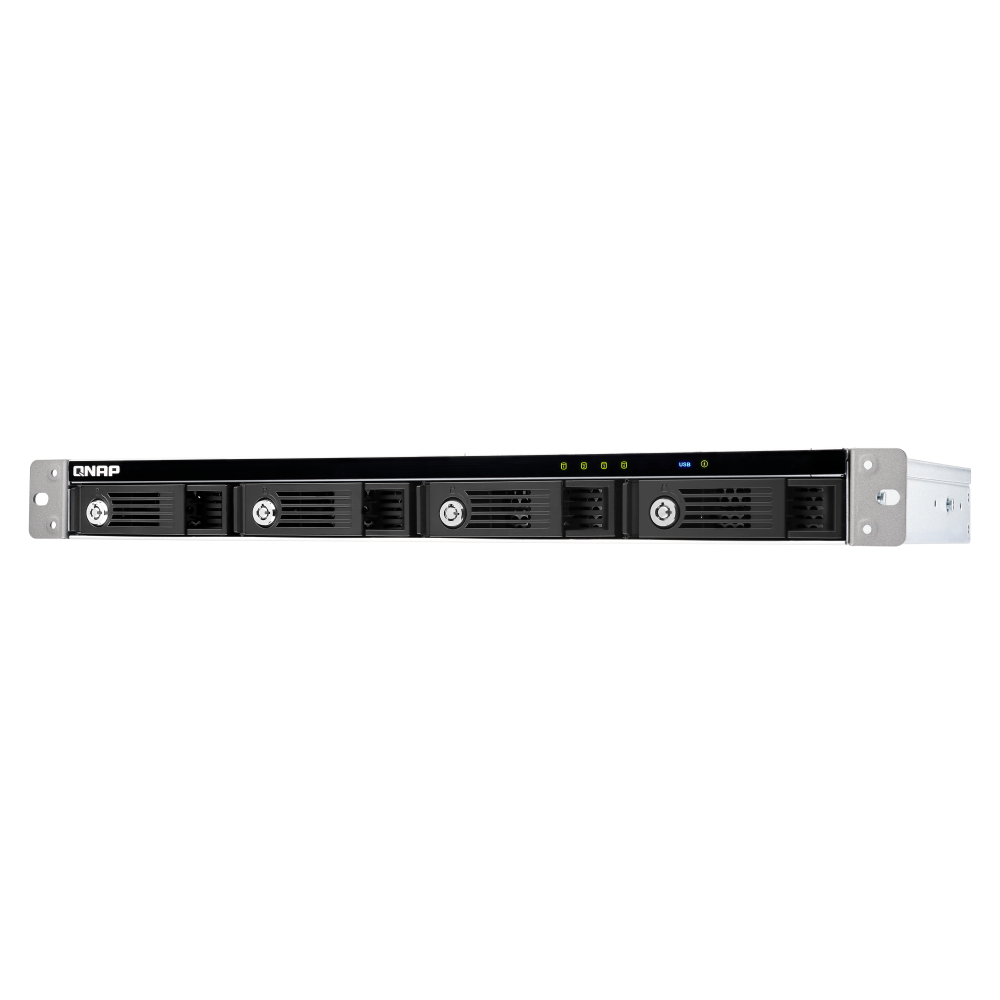


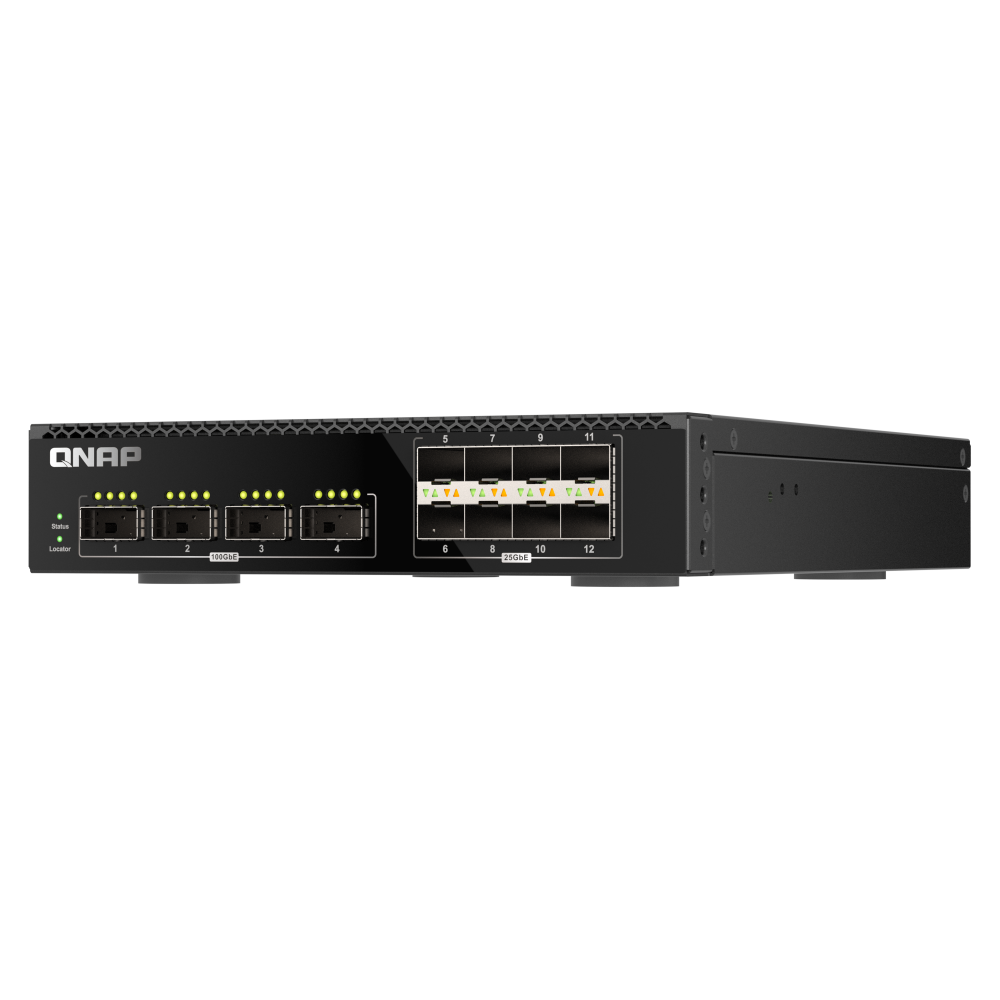
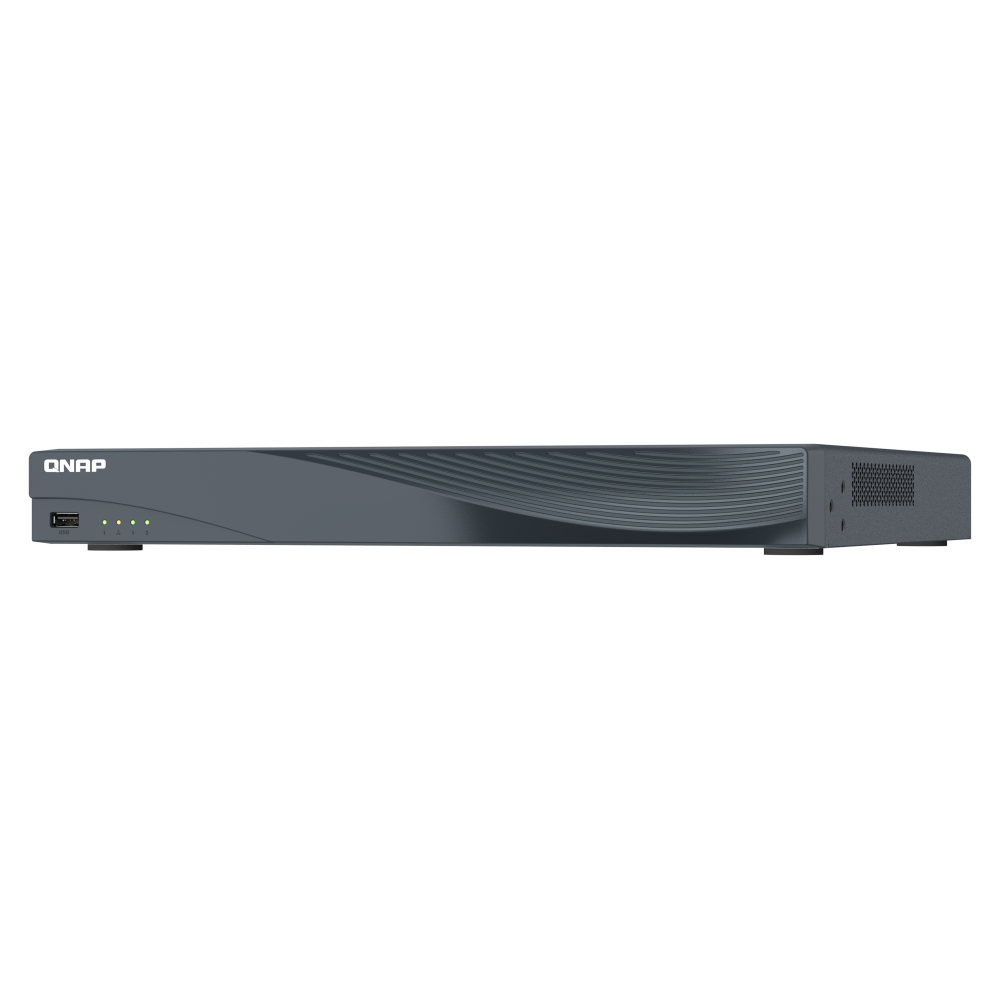




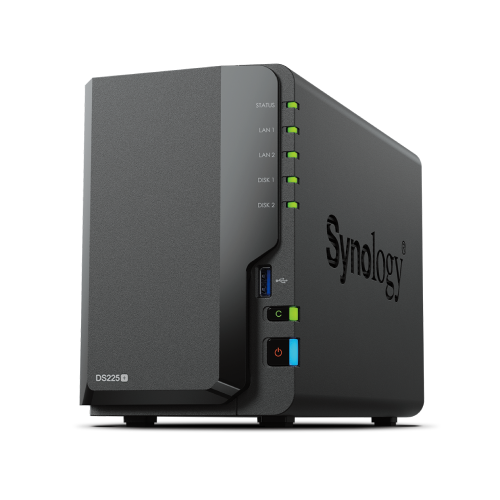
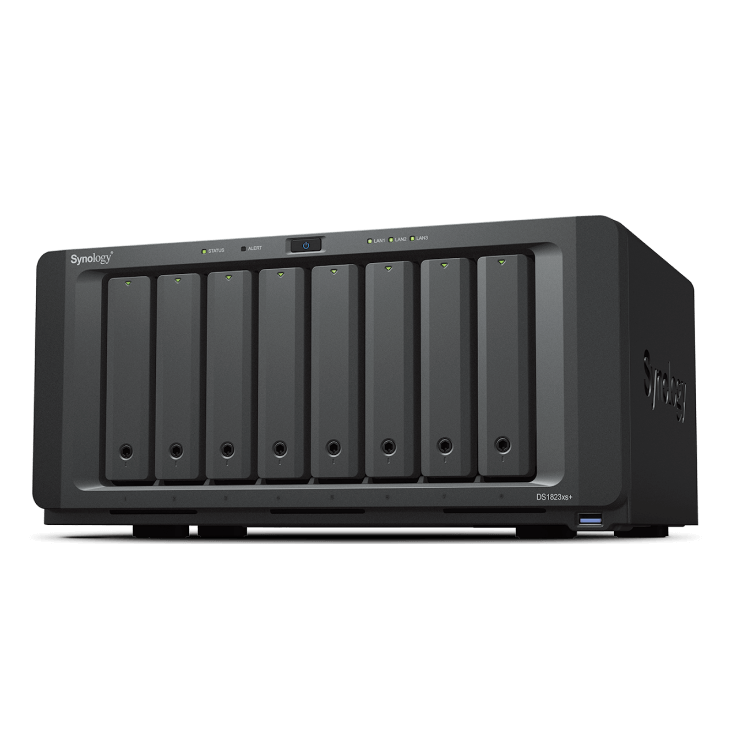
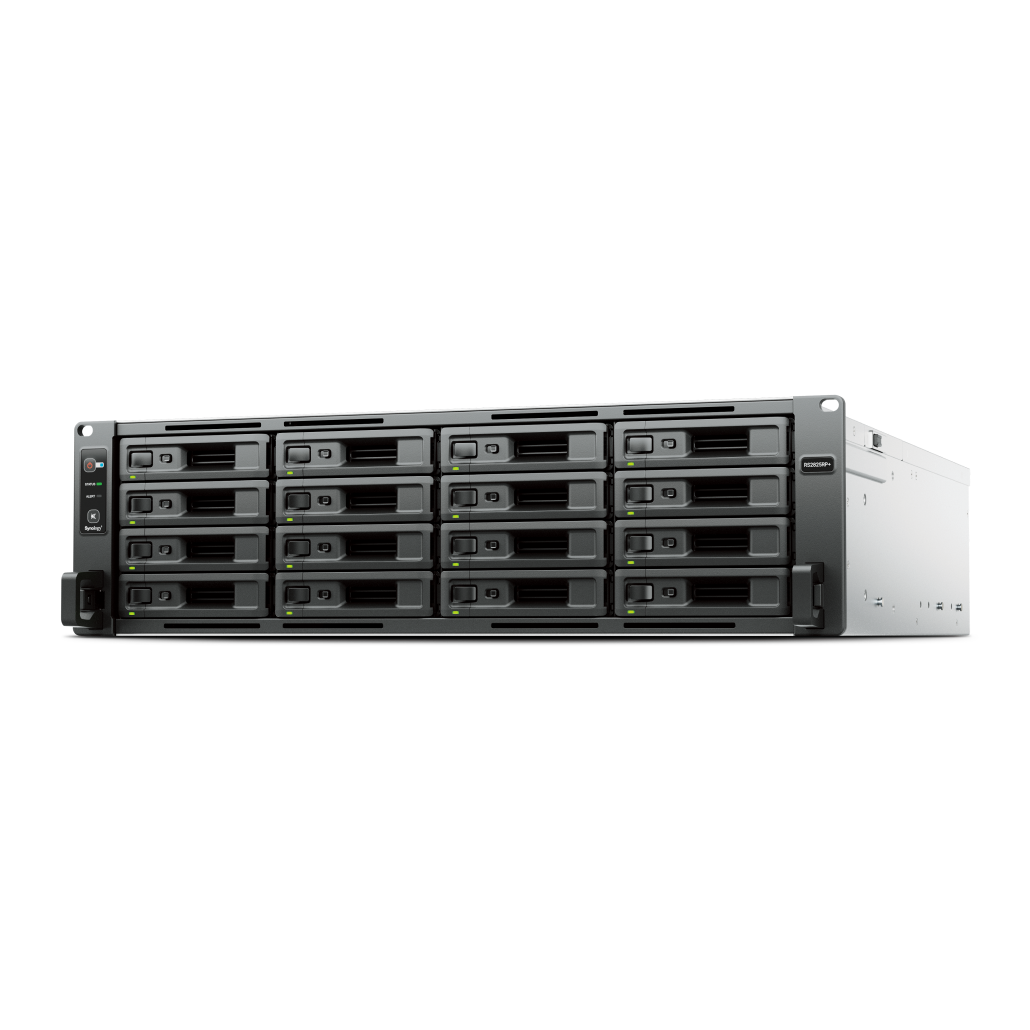
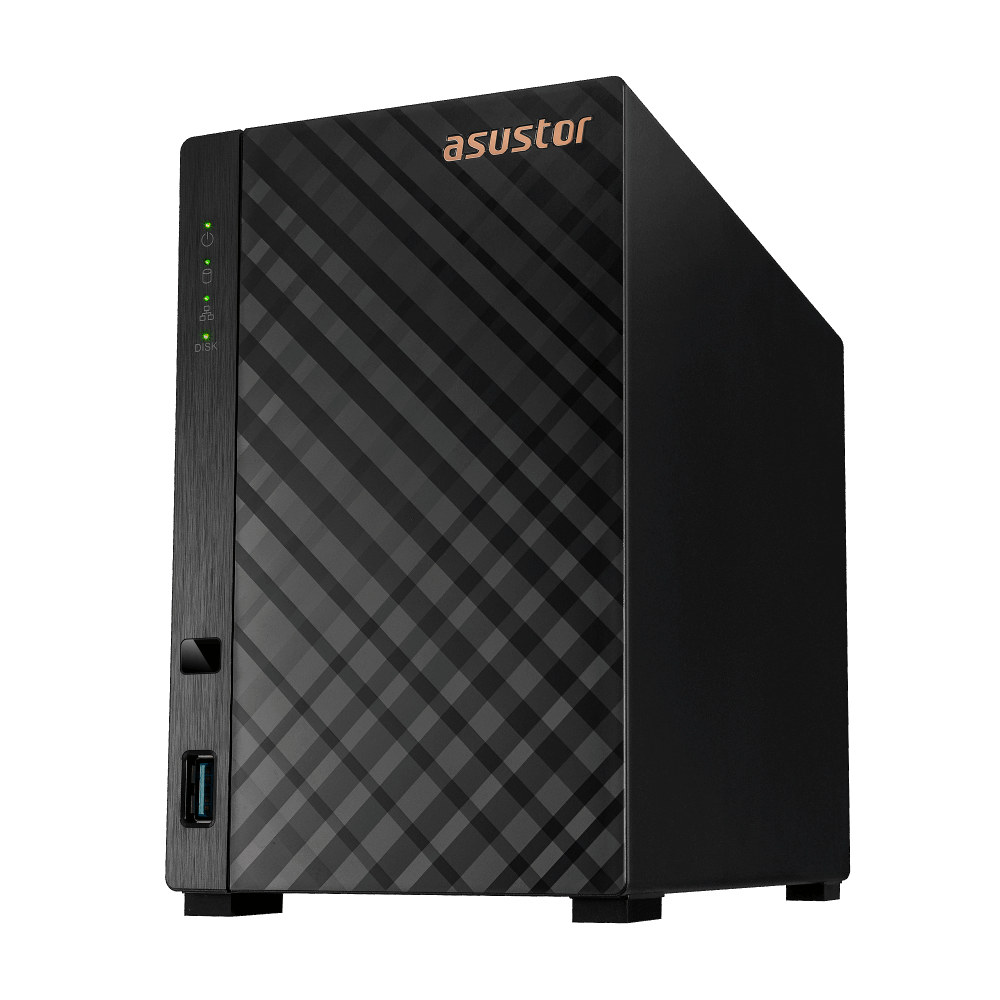





QNAP QSW-L2110-2S8T
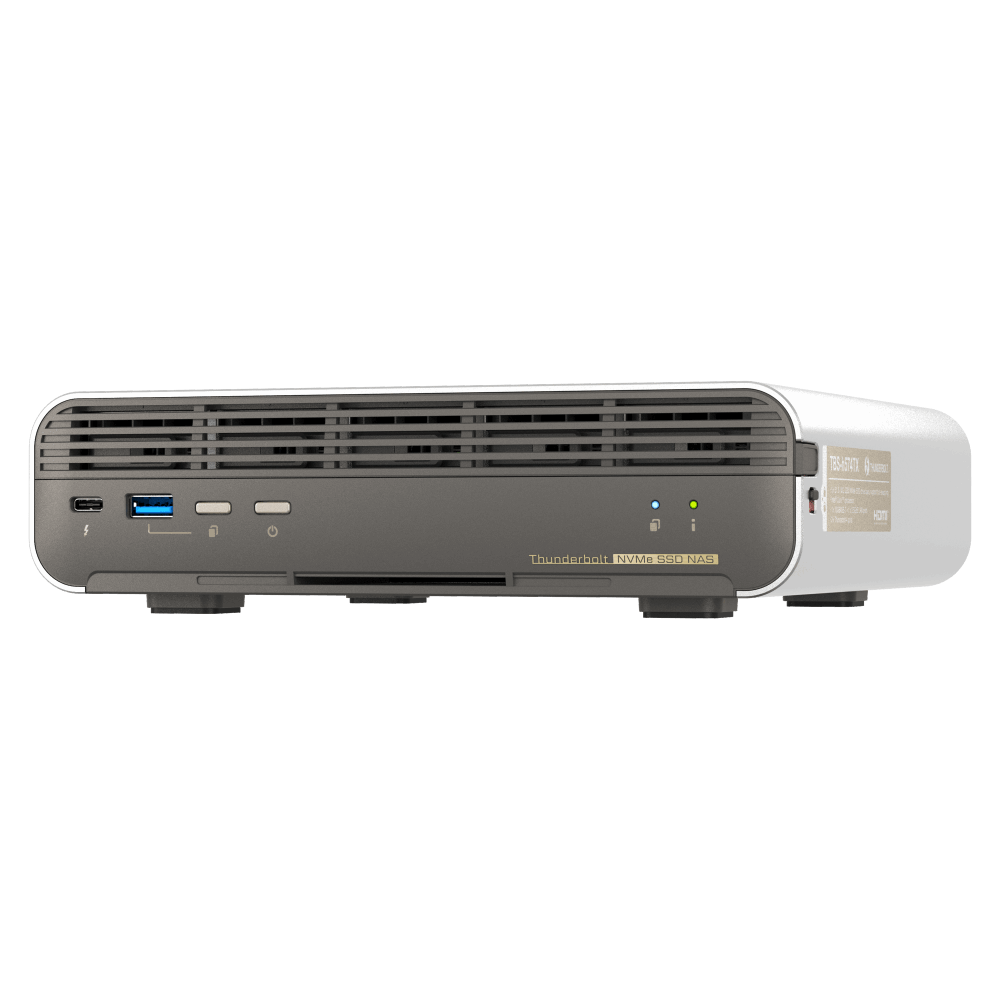
The QNAP QSW-L2110-2S8T is a cost-effective Lite Managed switch with eight 2.5GbE Base-T ports and two 10GbE SFP+ ports. It combines high-speed endpoint connectivity, 10GbE uplinks and practical management features in a compact, fanless desktop design.
What is the QNAP QSW-L2110-2S8T?
The QSW-L2110-2S8T is a 10-port Lite Managed switch designed for homes, advanced home users and small-to-medium businesses that need more control than an unmanaged switch without the complexity of a full Layer 2 managed model. It provides VLAN, QoS, LACP, port mirroring, IGMP Snooping and browser-based management through an intuitive Web GUI.
2.5GbE Access with a 10GbE Backbone
Build a flexible network for endpoint access, traffic aggregation and high-bandwidth devices.
10GbE Uplink Backbone
Connect Wi-Fi 6, Wi-Fi 6E or Wi-Fi 7 access points and workstations through the 2.5GbE ports, then use the 10GbE SFP+ ports to connect to a core switch or server-room backbone. This arrangement aggregates traffic from multiple users through the higher-speed uplink.
Direct 10GbE Device Connection
When a dedicated backbone uplink is not required, the 10GbE SFP+ ports can connect directly to critical devices such as a NAS or server, while the eight 2.5GbE ports continue serving endpoint devices.
A Practical Lite Managed Network Upgrade
Essential management functions without the complexity of a full Layer 2 managed switch.
The QSW-L2110-2S8T combines 2.5GbE and 10GbE connectivity to support a staged upgrade to a higher-speed network. Existing devices can remain connected while 10GbE is introduced for uplinks, NAS systems, servers or other high-bandwidth connections.
Lite Managed switching provides more control than an unmanaged switch while maintaining simpler administration than a full Layer 2 managed model. It is suited to SMBs, studios and advanced home users seeking straightforward traffic control, segmentation and bandwidth management.
Bandwidth and Packet Management
Organise traffic, prioritise important applications and manage available bandwidth.
LACP
Link Aggregation Control Protocol combines multiple network connections into a single high-speed link to increase total available bandwidth.
VLAN
Virtual LAN support enables logical segmentation of departmental or device networks for more organised traffic management.
QoS, CoS and DSCP
Traffic prioritisation helps ensure that performance-sensitive applications such as VoIP and video streaming receive sufficient resources.
IGMP Snooping
IGMP Snooping manages multicast streams to help prevent packet loss or duplication during audio and video streaming.
Port Mirroring
Port mirroring is included among the Lite Managed functions for practical traffic management and observation.
Flow Control
Port management allows flow control to be configured alongside port speed, connection and duplex information.
Intuitive Web-Based Management
Complete everyday configuration and monitoring through a clear browser interface.
Overview Dashboard
View real-time system information, port connection status, activation status and traffic usage from the dashboard.
Port Management
Review port status, connection speed and duplex mode, and configure flow control from the Web GUI.
Firmware Updates
QSS supports online firmware checks and Qfinder Pro, enabling straightforward one-click firmware updates.
Quiet, Compact and Energy Efficient
Designed for placement in offices, studios and other shared workspaces.
Fanless Operation
The fanless design supports quiet operation without disrupting everyday office or studio tasks.
Full-Metal Enclosure
The full-metal enclosure provides robust protection and thermal performance during high-speed network access.
IEEE 802.3az EEE
Energy Efficient Ethernet automatically adjusts power usage according to network traffic while maintaining network performance.
Switch Management Comparison
Compare the supplied management characteristics of Lite Managed, Layer 2 managed and unmanaged switches.
| Switch Type | Key Features | Management Benefits | Recommended Uses |
|---|---|---|---|
| Lite Managed | LACP, VLAN, QoS and port mirroring | Easy traffic control and bandwidth segmentation | SMBs, retail and basic multi-device segments |
| Layer 2 Managed | ACL, SNMP and RSTP | Advanced security and diagnostics | Virtualization, storage networks and campus backbones |
| Unmanaged | EEE, flow control and loop protection | Plug-and-play operation with no management requirements | Homes, small offices and quick meeting-room setups |
Frequently Asked Questions
Answers to common questions about the QNAP QSW-L2110-2S8T.
How many ports does the QSW-L2110-2S8T have?
It has ten ports in total: eight 2.5GbE RJ45 ports and two 10GbE SFP+ ports.
Can the 10GbE ports connect directly to a NAS or server?
Yes. The two 10GbE SFP+ ports can be used for uplinks or connected directly to high-bandwidth devices such as a NAS or server.
What does Lite Managed mean?
Lite Managed switching provides practical functions such as LACP, VLAN, QoS and port mirroring, with simpler administration than a full Layer 2 managed switch.
Does the QSW-L2110-2S8T support VLANs?
Yes. IEEE 802.1Q VLAN tagging is supported for logical network segmentation and more organised traffic management.
Is the QSW-L2110-2S8T fanless?
Yes. It uses a fanless design for quiet operation in offices, studios and other shared workspaces.
How is the switch managed?
The switch is managed through an intuitive Web GUI. The interface provides system information, port status, traffic usage and configuration controls.
What are its switching capacity and throughput?
The supplied datasheet specifies an 80Gbps switching capacity and 40Gbps total non-blocking throughput.
What warranty is listed for the QSW-L2110-2S8T?
The supplied datasheet lists a two-year warranty.
Product images are for illustrative purposes only and may differ from the actual product. Product colours may appear different due to monitor settings. Designs and specifications are subject to change without notice.